
Amazon Seller Guide
Amazon Product Photo Requirements
Amazon rejects photos that do not meet strict rules. Here is exactly what you need and how to make compliant photos in seconds.
 Before
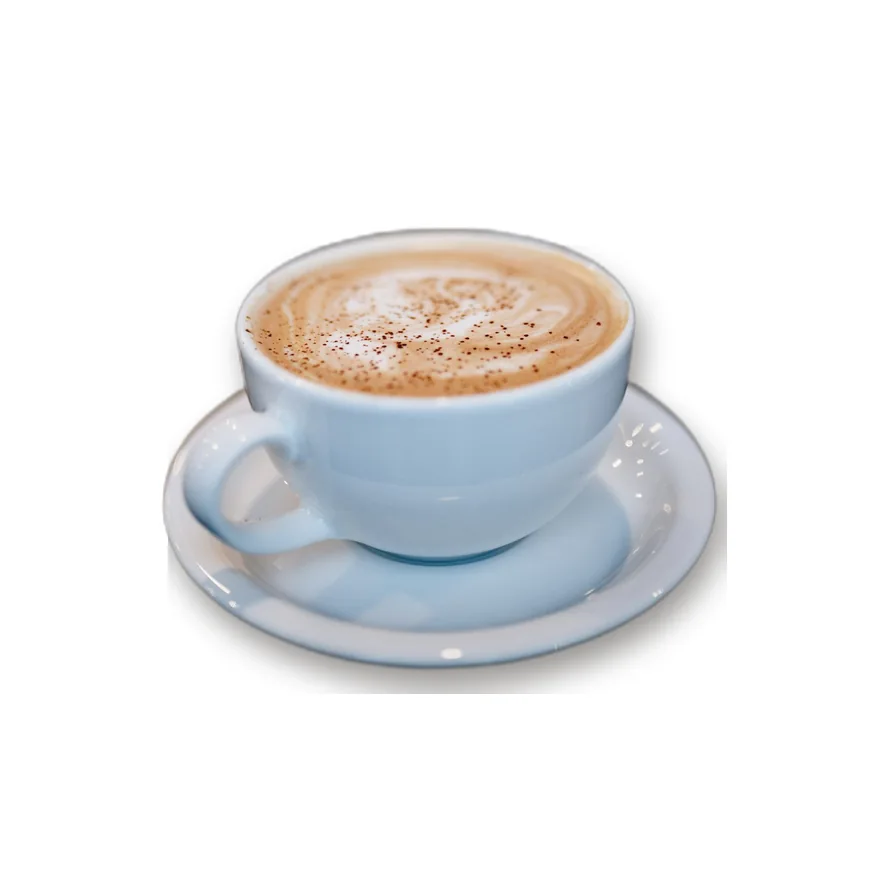 After
255
RGB white required
85%
Product fills frame
500px
Minimum to upload
Why Amazon rejects photos
Background is not pure white
Even slightly gray or off-white gets rejected. Must be exactly RGB 255, 255, 255.
Product is too small
The product must fill at least 85% of the frame. Too much empty space fails.
Text, logos, or watermarks
No promotional text, badges, or watermarks on the main image.
Props or lifestyle elements
The main image usually shows only the product, with no props or added text. Some categories (for example apparel) have separate rules.
How to make compliant photos
- 1
Take a photo
Any background works. Phone photo is fine.
- 2
Upload to SlivenAI
Drag and drop or click to upload.
- 3
Remove background, add white
One click removes the background and adds pure white.
- 4
Download and upload to Amazon
JPG or PNG, ready for your listing.
Frequently asked questions
What size does Amazon require?
Between 500 and 10,000 px on the longest side. For zoom, Amazon prefers more than 1000 px on each side.
What white does Amazon want?
Pure white: RGB 255, 255, 255. Not off-white, not light gray.
Can I add text to the main image?
No. Text, logos, badges, and watermarks are not allowed on the main image.
How many photos can I upload?
Up to 9 images per listing. Only the main image has strict white background rules.
Make Amazon-ready photos now
Upload your product photo and get a compliant image in seconds.
Start free